
Uploading content is a function only available for Verified Publisher accounts.
If you do not see the “Add Content” button in your account, you do not have a Publisher account.
- Login to your cashmere account
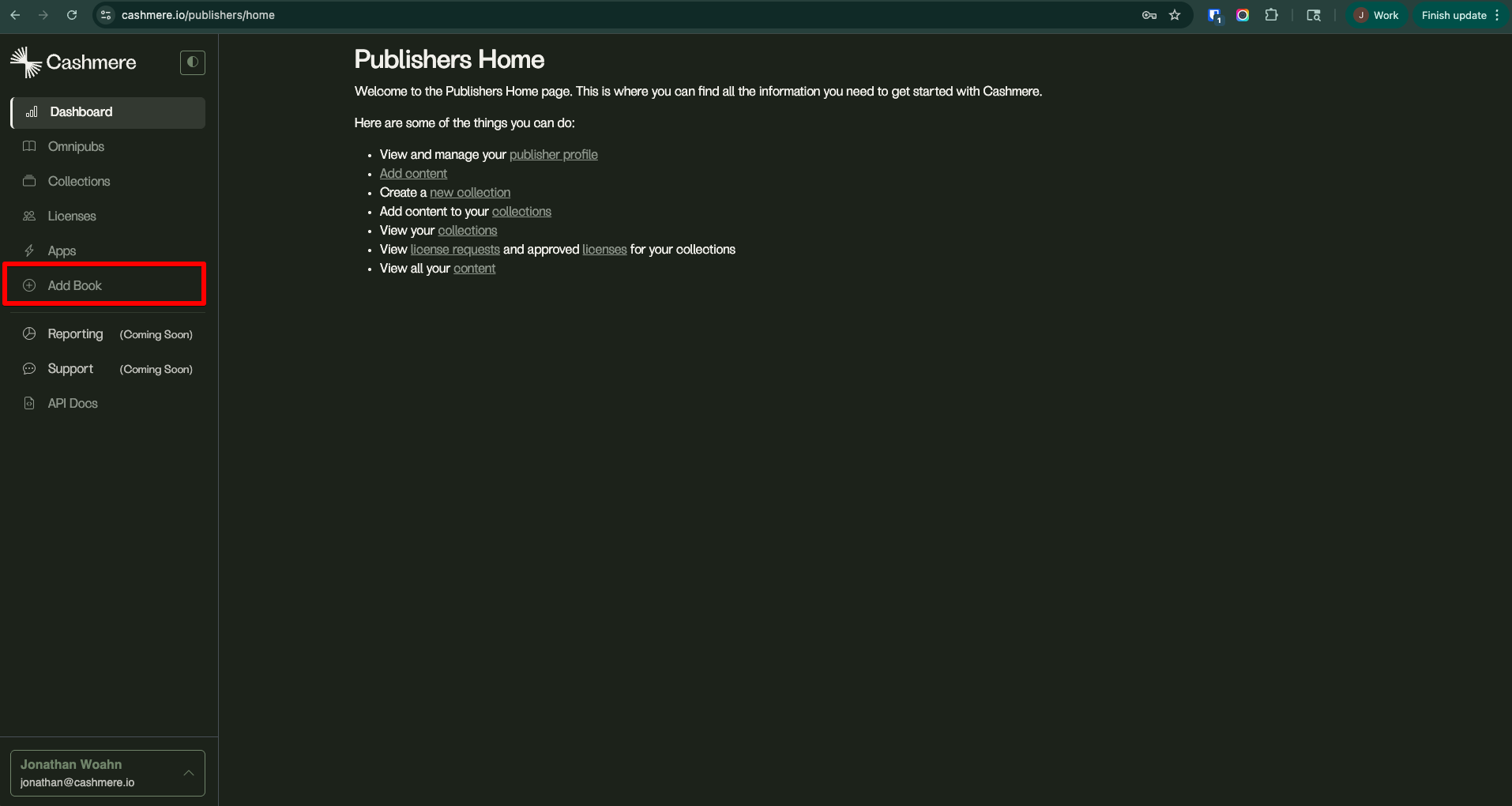
- Navigate to “Add Content”
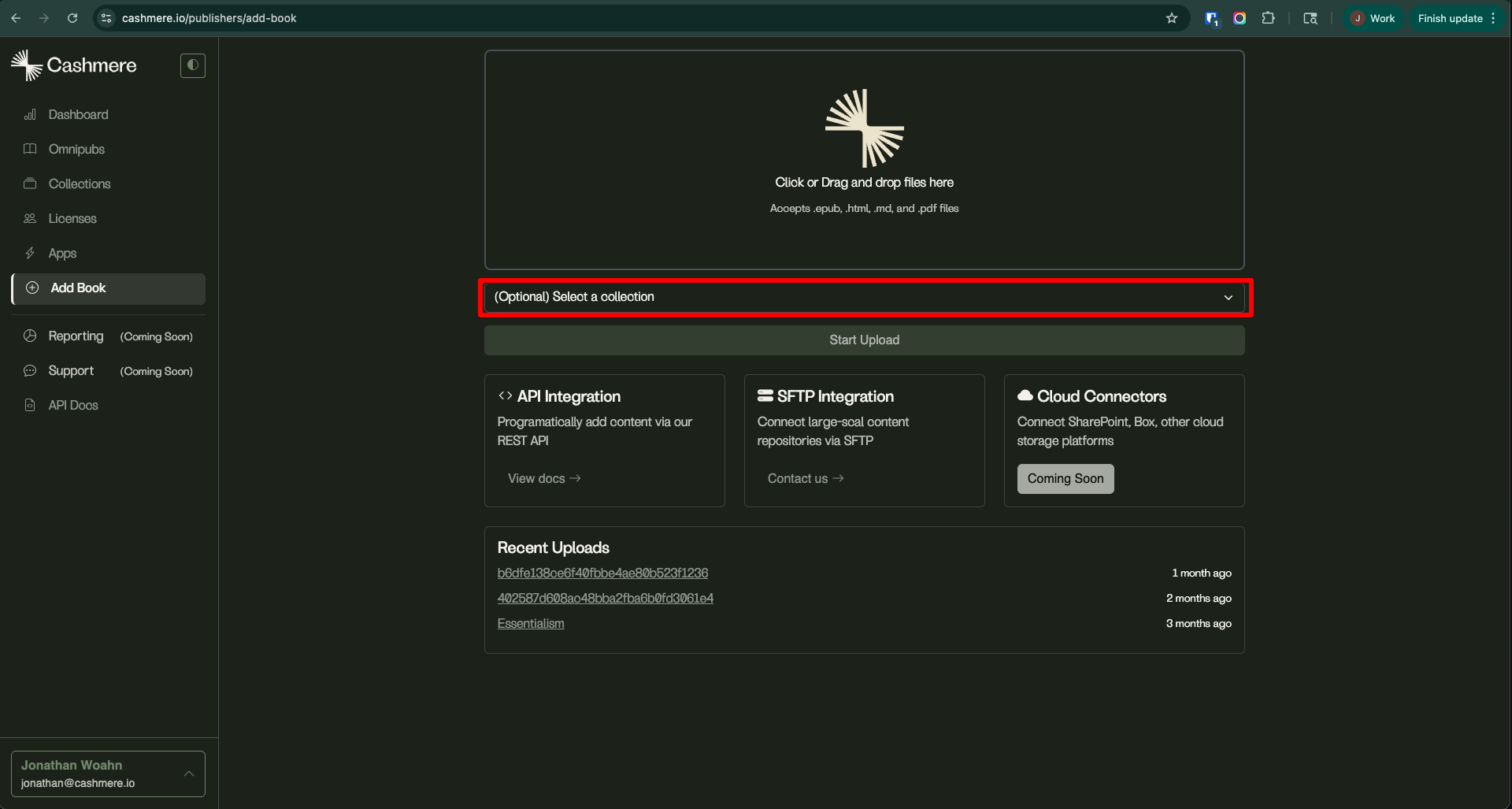
- If the content you’re uploading should be part of a selection, choose that first.
If the collection does not exist yet, you’ll need to create a new collection first. Be sure to select “Manual” (Content cannot be uploaded directly into dynamic collections)
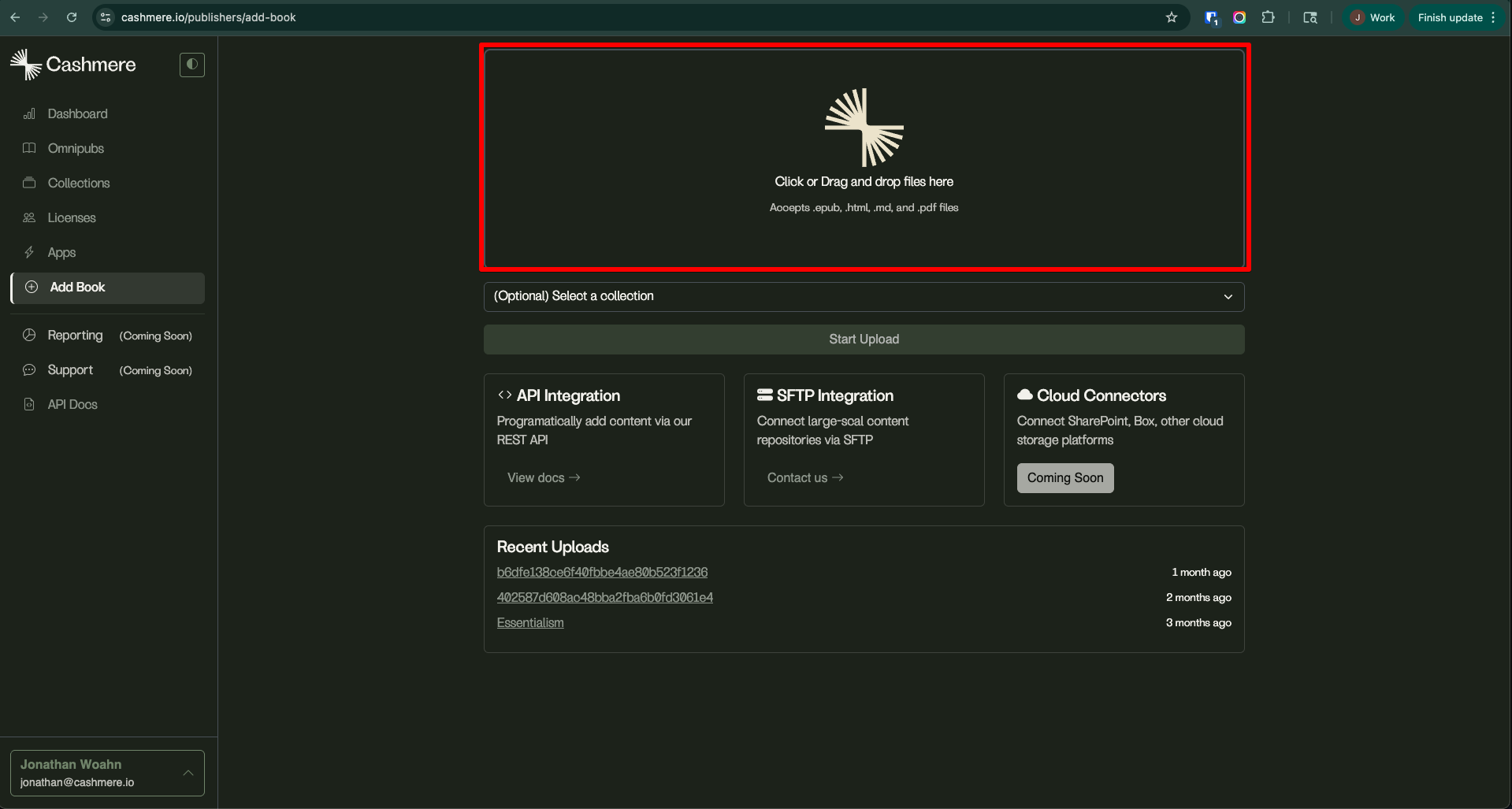
- You can either drag and drop your files into this area or you can click on it and select the files from your computer directly. This operation can handle up to 500 at a time.
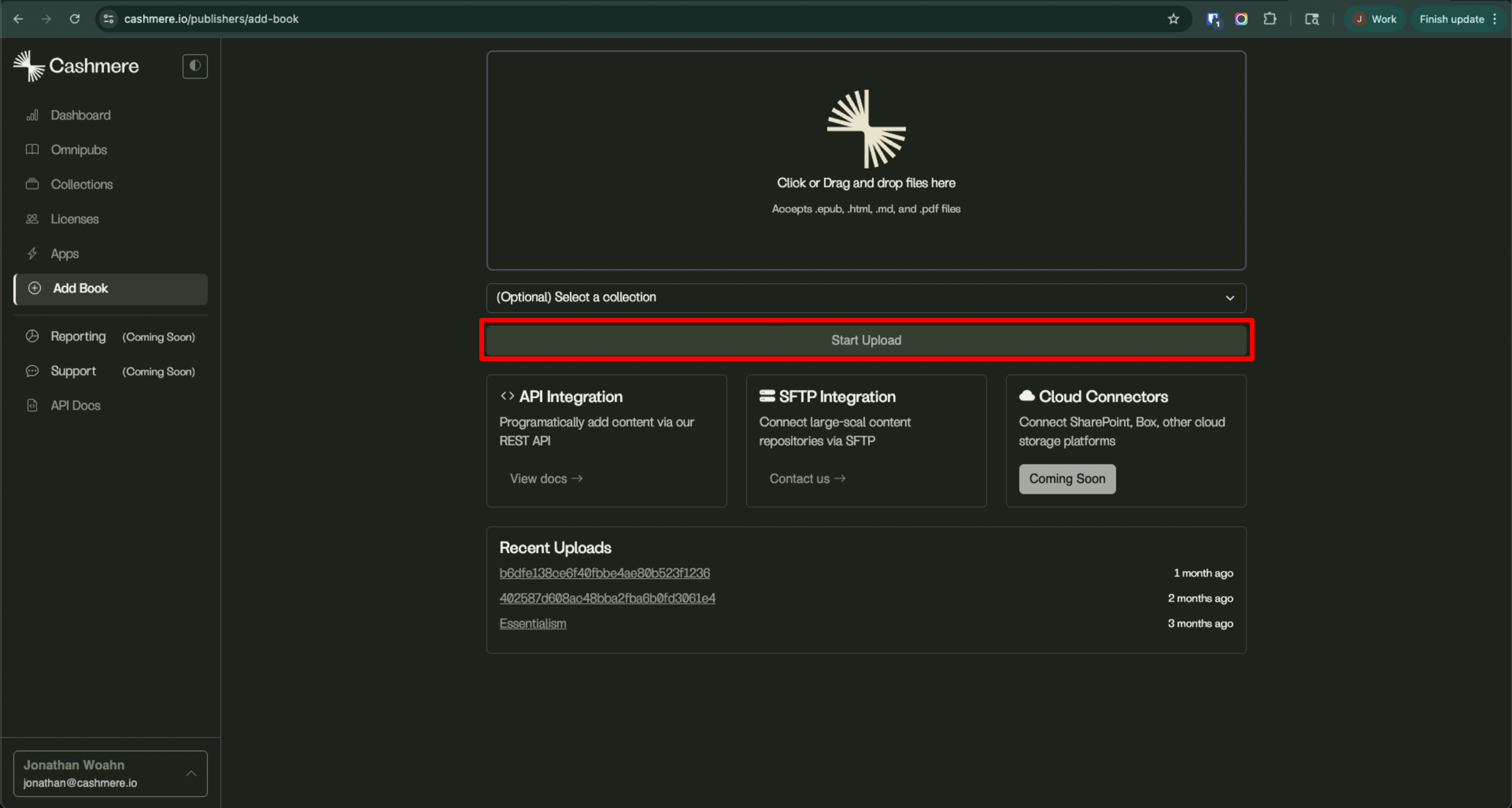
- Once you have queued up all of the files, click “Start Upload”
IMPORTANT: Do not navigate away from this page while your files are still uploading.
It will show a progress bar next to each file that is being uploaded where you can check their individual status.
When all are complete, a button at the top will appear that says “Start Over”
Other Upload Methods
Cashmere supports numerous other upload methods:
- S3
- SFTP
- API
- URL Scraping
Please contact support@cashmere.io for further instructions