
This guide will walk you through creating an API key and managing content permissions for that key
- Visit the the Apps page in the publisher dashboard
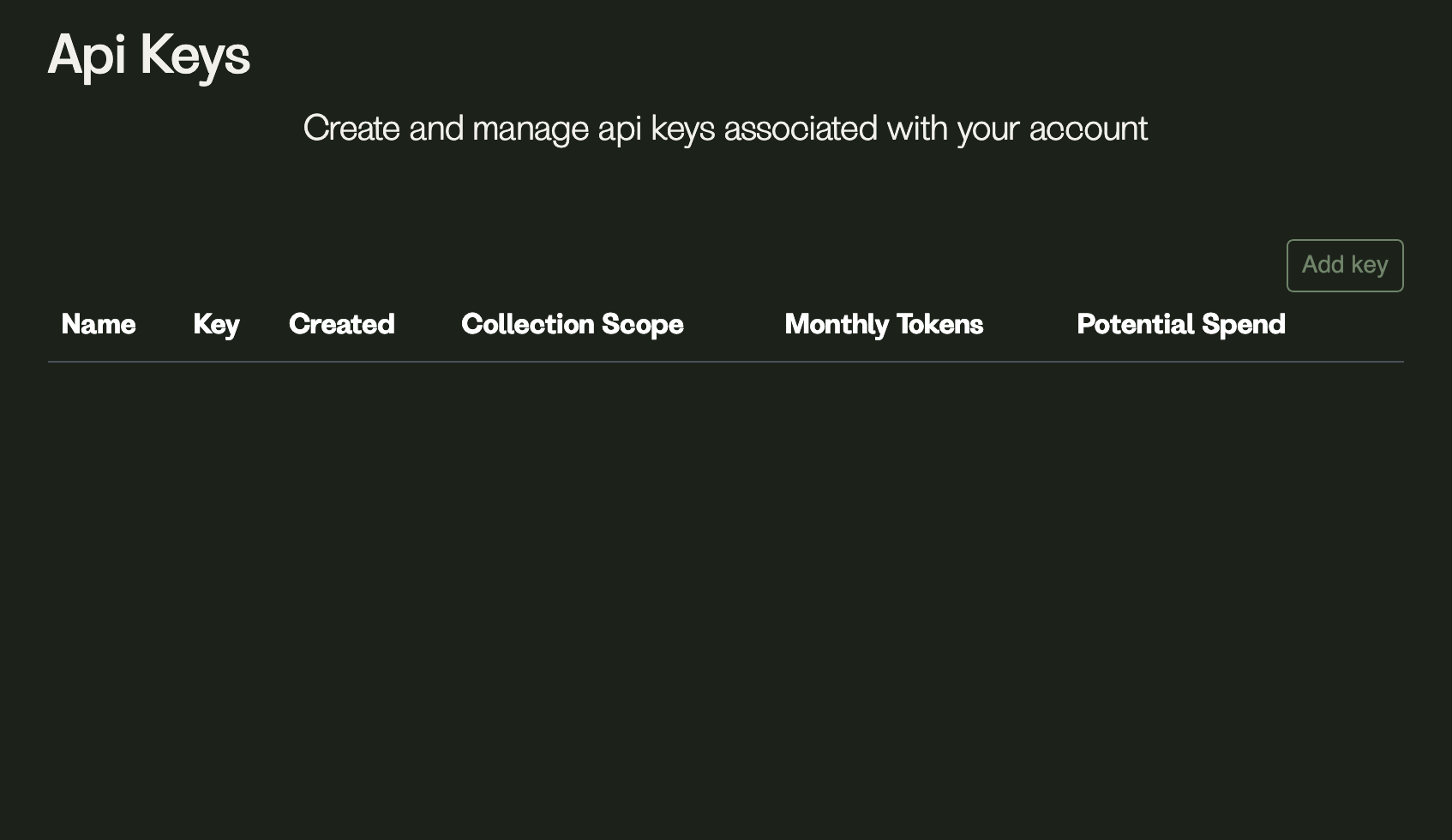
- Click “Add key”
- Name your key something relevant to its use-case
OptionalSelect the content collections you want the key to access (hold shift while clicking to select multiple collections)OptionalSet the token limit for this API key-
Select the appropriate default search model for your content. If you are not sure which one to use, keep the default option.
-
Copy your API key and store it somewhere safe